
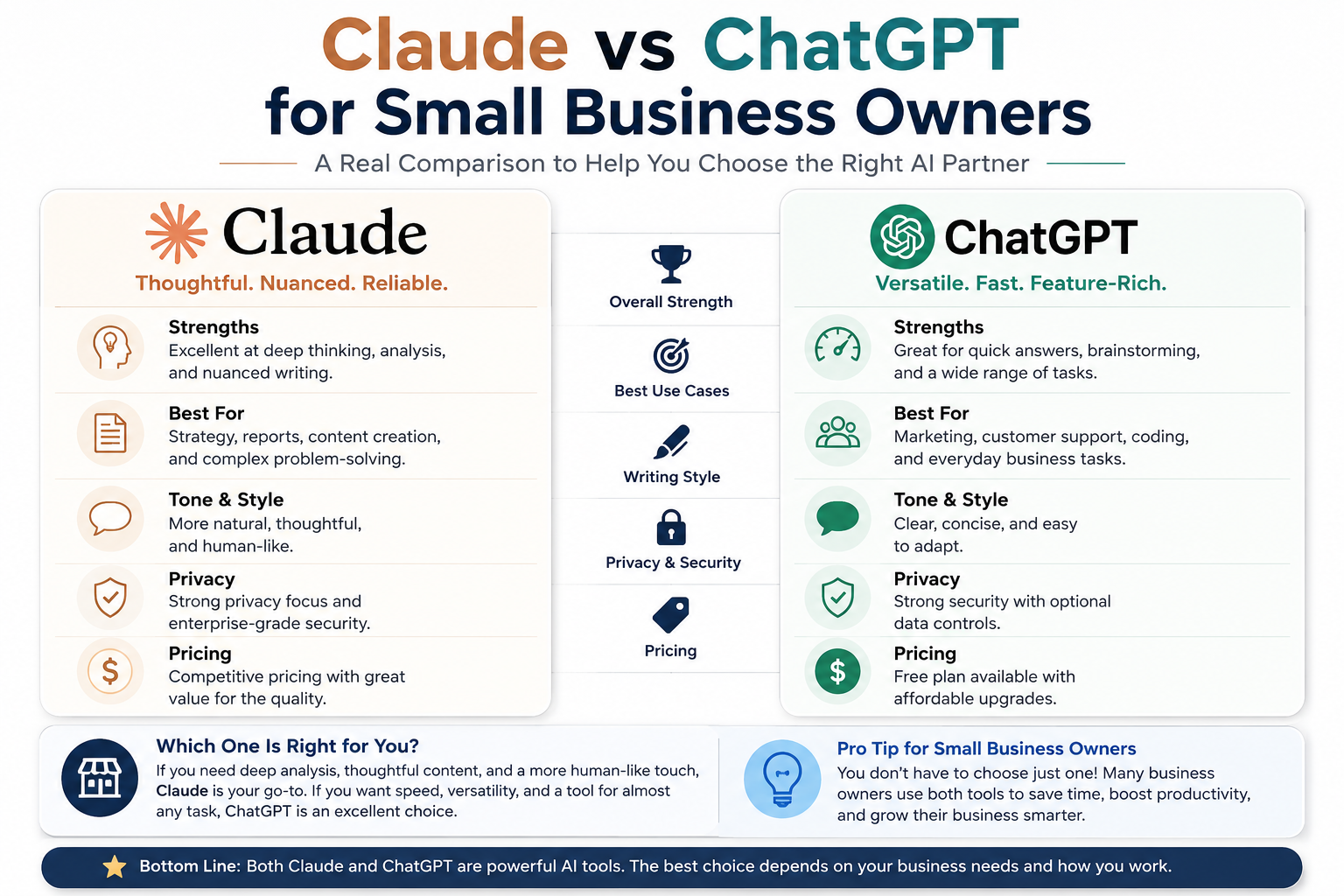
Both cost $20 a month. Both have a free tier. Both can draft an email and hold a decent conversation. So if you’re a small business owner trying to figure out which AI tool is actually worth your time — the specs won’t help you. Real task results will.
This isn’t a benchmark article. We’re not going to talk about parameter counts or MMLU scores. We ran both tools through the exact kind of work small business owners do every week — writing client emails, summarising long documents, and building internal SOPs — and we’re calling a winner for each one.
“Stop arguing about benchmarks. Here’s what actually matters when you’re writing proposals at 11pm.”
—
First: What You’re Getting for $20/Month
Before the tasks, a quick grounding on what each paid plan actually includes as of 2026.
Anthropic — Claude Pro
$20/month · Team: $30/user/month
– Claude Sonnet 4.6 (flagship)
– 200,000 token context window
– Projects, Memory, Research
– Claude in Excel, PowerPoint, Chrome
– Tight free tier — hits limits fast
OpenAI — ChatGPT Plus
$20/month · Team: ~$30/user/month
– GPT-5.2 (current default model)
– 128,000 token context window
– DALL-E image generation built in
– Voice mode, web browsing
– Very generous free tier
The free tier difference is worth flagging early: ChatGPT’s free tier is genuinely useful — you get web search, GPT-5.2 access, and image generation at no cost. Claude’s free tier works, but you’ll hit the daily usage cap within a handful of messages. If budget is the primary concern, that matters.
—
Task 1: Writing Client-Facing Emails
The most common business use case. Not a generic template — a real email you’d actually send, in a specific situation, with a specific tone requirement.
Test Prompt: “Write a follow-up email for a proposal that hasn’t received a response in ten days. Firm but not pushy. Professional but warm. Keep it short.”
ChatGPT Plus: Fast, structurally sound, and follows the brief. The problem is a recognisable AI-ness — openers like “I wanted to circle back” and a closing that sounds like a LinkedIn advice post. Usable, but you’ll spend two minutes editing out the polish residue.
Claude Pro: Shorter, more direct, and closer to how a confident business owner actually writes. No filler phrases padding the word count. The output feels written, not assembled. Consistent across different email types — proposals, difficult news, scope changes.
Winner: Claude — For anything client-facing where voice and tone matter, Claude’s prose is noticeably less “AI-shaped.” Not a huge gap — but it’s consistent.
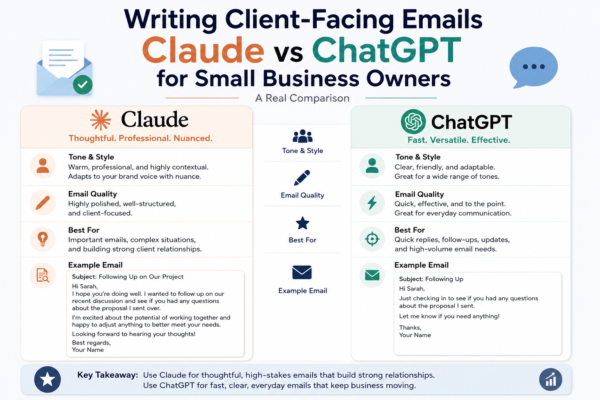
The pattern held across a range of email types we tested: project scope change notices, pricing increase announcements, and “we need to talk” client check-ins. Claude consistently produced output that required less post-editing to sound like a real person wrote it.
—
Task 2: Summarising Long Reports & Documents
Many small business owners sit on a stack of documents they should have read — supplier agreements, market research PDFs, lengthy email threads. AI can be genuinely transformative here, if it can handle the volume without losing the plot.
Test Prompt: “Summarise this 6,000-word industry report. Give me an executive summary and the three most actionable takeaways for a small business.”
ChatGPT Plus: Clear and well-structured. Hits the main points accurately. The three takeaways come out as bullet points that are accurate but somewhat generic — insights that could apply to any business rather than specifically to the context provided.
Claude Pro: Comparable on single documents. But where the gap shows is across multiple documents — a contract, a follow-up report, and an email thread in one session. Claude holds the thread longer. The 200K token window (vs 128K) means it doesn’t lose context or loop back on earlier details.
Winner: Claude — Especially for multi-document or long-session work. ChatGPT is close for single files — but Claude’s larger context window is a real-world advantage.
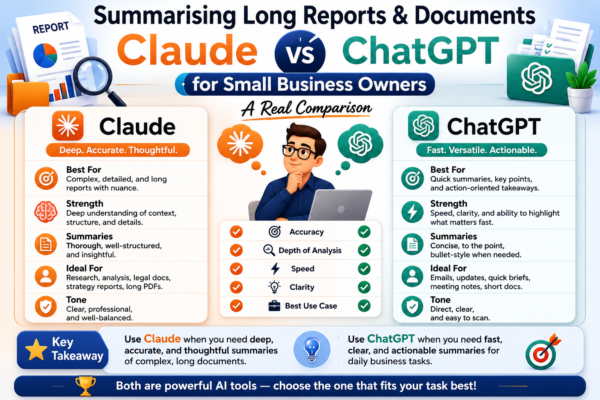
“Claude’s 200,000-token context window means it doesn’t lose the thread in long sessions — a real-world advantage for document-heavy workflows.”
We also tested processing a full supplier contract (12 pages) alongside a set of email negotiations about that same contract. Claude surfaced specific clause references in the email context that ChatGPT missed on the first pass. Not a catastrophic failure — but the kind of detail that costs you in a real business scenario.
—
Task 3: Drafting Standard Operating Procedures (SOPs)
SOPs are the unglamorous backbone of any business that wants to scale — onboarding guides, handover documents, customer service scripts. They need to be clear, sequential, and written so that someone who doesn’t know your business can follow them.
Test Prompt: “Create an SOP for handling a customer refund request, from initial contact through resolution. Assume a small e-commerce business with one or two staff.”
ChatGPT Plus: A solid SOP, sensibly structured with numbered steps. Added some useful extras unprompted — a “things to avoid” note and a decision tree for edge cases. Ready to drop into a shared Google Doc with minimal editing.
Claude Pro: Clean logic flow and better plain-language writing. Notably asked a clarifying question before drafting (what platform? Is there a formal return window?) — which produced a more tailored document rather than a generic template.
Verdict: Draw — ChatGPT is faster and immediately usable. Claude’s output, once you engage with its questions, tends to be better calibrated. Depends on whether you want fast or precise.
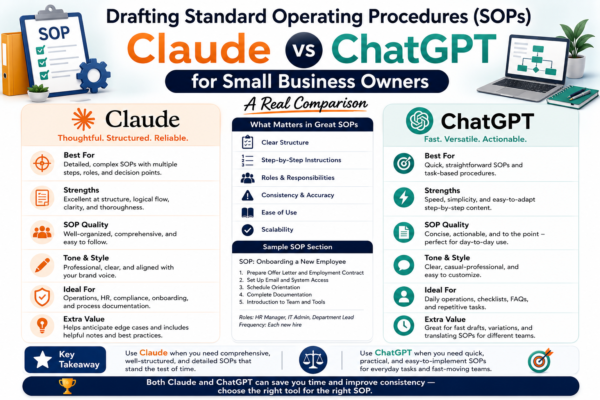
For teams building out a full operations manual — multiple SOPs, linked to each other — Claude’s tendency to ask clarifying questions becomes more of an advantage over time. For one-off documents where you want something quickly, ChatGPT wins on speed.
—
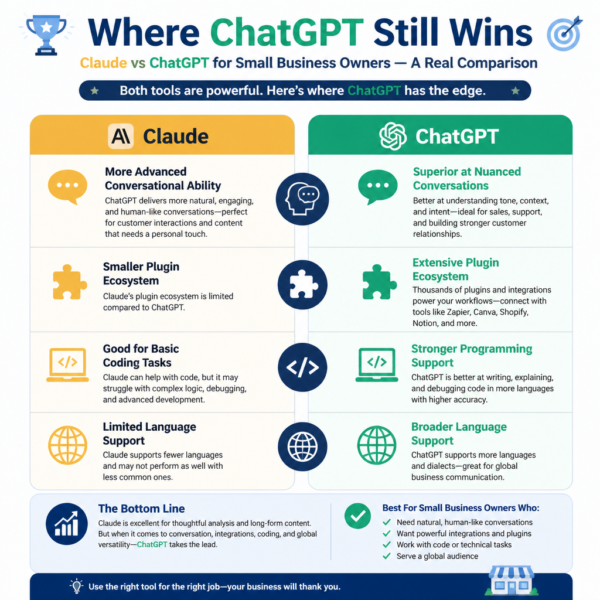
Where ChatGPT Still Wins
It would be dishonest to frame this as a clean sweep. ChatGPT holds real advantages for small business owners in specific areas.
ChatGPT Advantages:
– DALL-E image generation built in — useful for quick social graphics, mockups, or rebrand visualisations without needing Canva
– Wider ecosystem and integrations — connects to Zapier and hundreds of third-party tools natively
– Much more generous free tier — web search, image generation, and GPT-5.2 access at zero cost
– Voice mode for hands-free use — dictate on the go, get spoken responses
Claude Advantages:
– Prose quality — less AI-shaped output that needs less post-editing for client use
– Larger context window (200K tokens) — holds more in memory across long sessions
– Better calibrated responses — asks clarifying questions rather than confidently guessing
– Projects and Memory — maintains context and preferences across multiple sessions.
—
The Bottom Line: Which One Should You Actually Use?
For small business owners whose primary work involves writing and editing (emails, proposals, copy), processing documents (contracts, reports, research), and building internal systems (SOPs, templates, guides) — Claude is the stronger daily tool.
Its prose is less visibly AI-generated, its long-document handling is more reliable, and its responses to nuanced prompts land closer to what you actually asked for. It’s also more willing to push back or ask a clarifying question — which produces better outputs over time, even if it’s occasionally slower in the moment.
If you need image generation, prefer the more generous free tier, or are already integrated with OpenAI’s ecosystem — ChatGPT remains genuinely capable. For many people, the right answer is running both at $40/month total, using each for what it’s best at.
Claude: Writing · Long Docs · SOPs
ChatGPT: Images · Free Tier · Voice
—
Pricing and features verified as of April 2026. Both tools update frequently — check official pricing pages before committing. Claude Pro and ChatGPT Plus are each $20/month for individuals; team plans start at approximately $30/user/month for both.
Good